Frequently Asked Questions (FAQ)
What should I do if the screen freezes?
Reload the page and try again.
I was unexpectedly logged out
For security, Elenix logs you out every two hours or after 20 minutes of inactivity.
I entered my authenticator code and the page is stuck loading
Reload the page and try again. If you enter the code when it has less than 5 seconds to expire, it may not grant access. Keep this in mind for future logins.
I changed my phone. How do I link Elenix again to my authenticator?
-
Step 1: Ask your administrator to resend the credentials.
-
Step 2: When logging in, do not enter your email and password.
-
Step 3: Select “activate your account here”
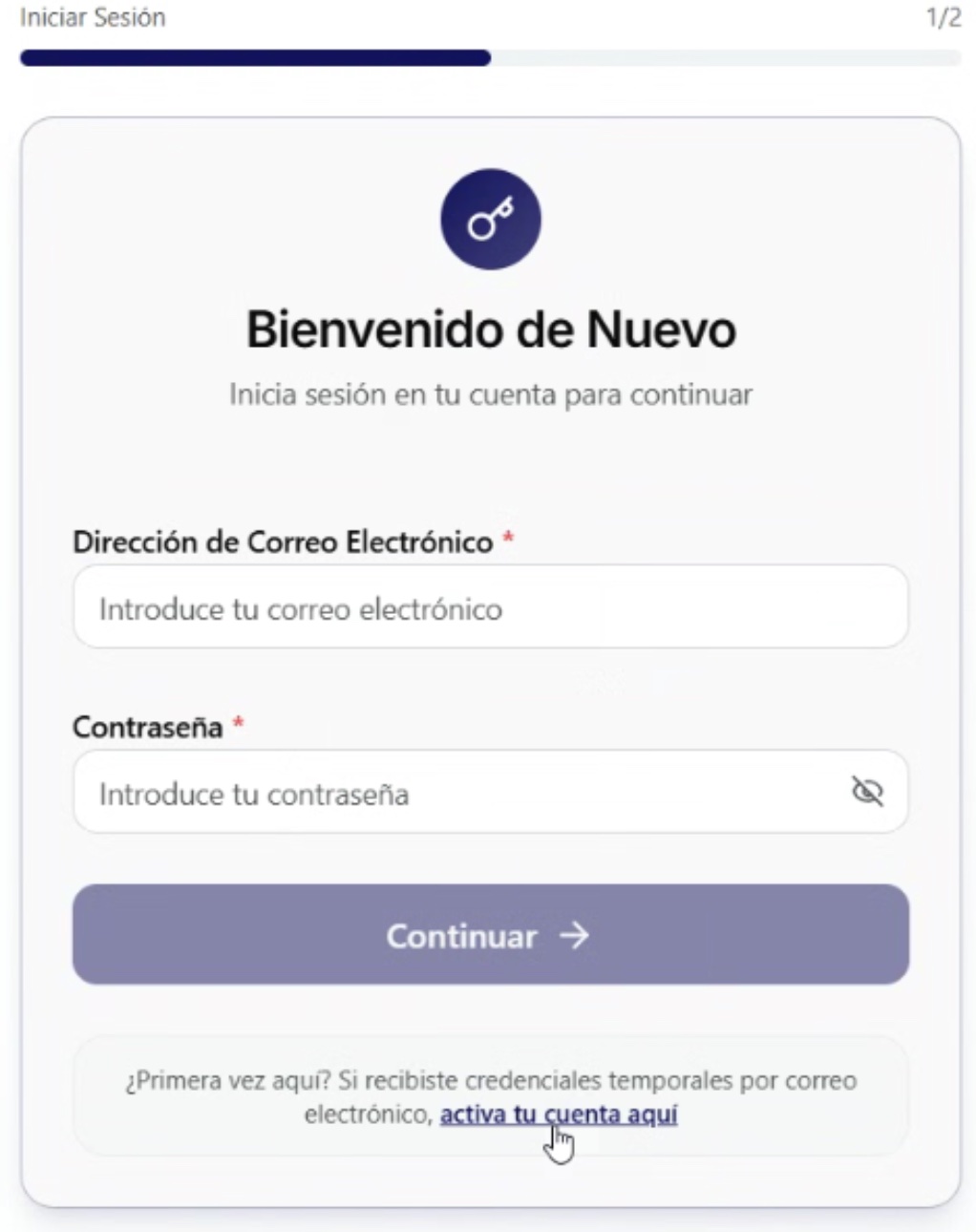
Note: If nothing happens when selecting this option, clear your browser’s cache (at least 7 days) and try again.
-
Step 4: Enter the temporary email and password. This process is similar to the first time you logged in to Elenix.
-
Step 5: A QR code will now appear to link your new device.