Login
Elenix uses two-factor authentication (2FA) to ensure maximum security for your account.
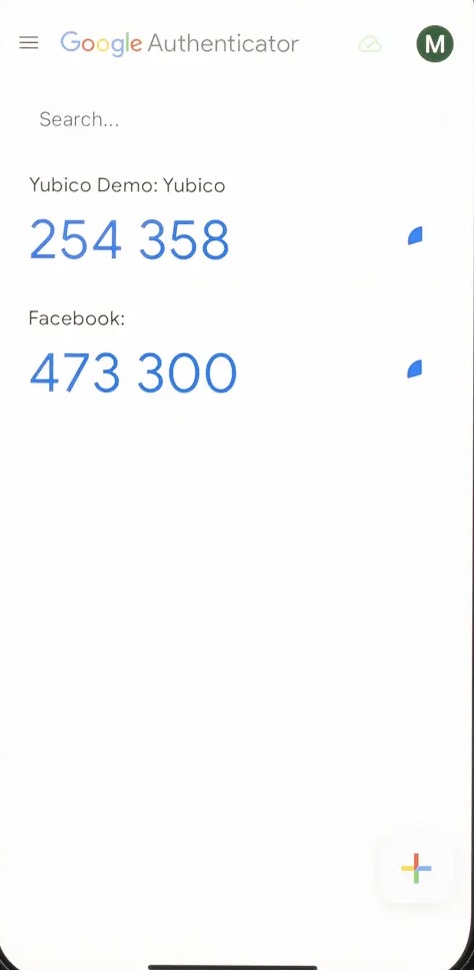
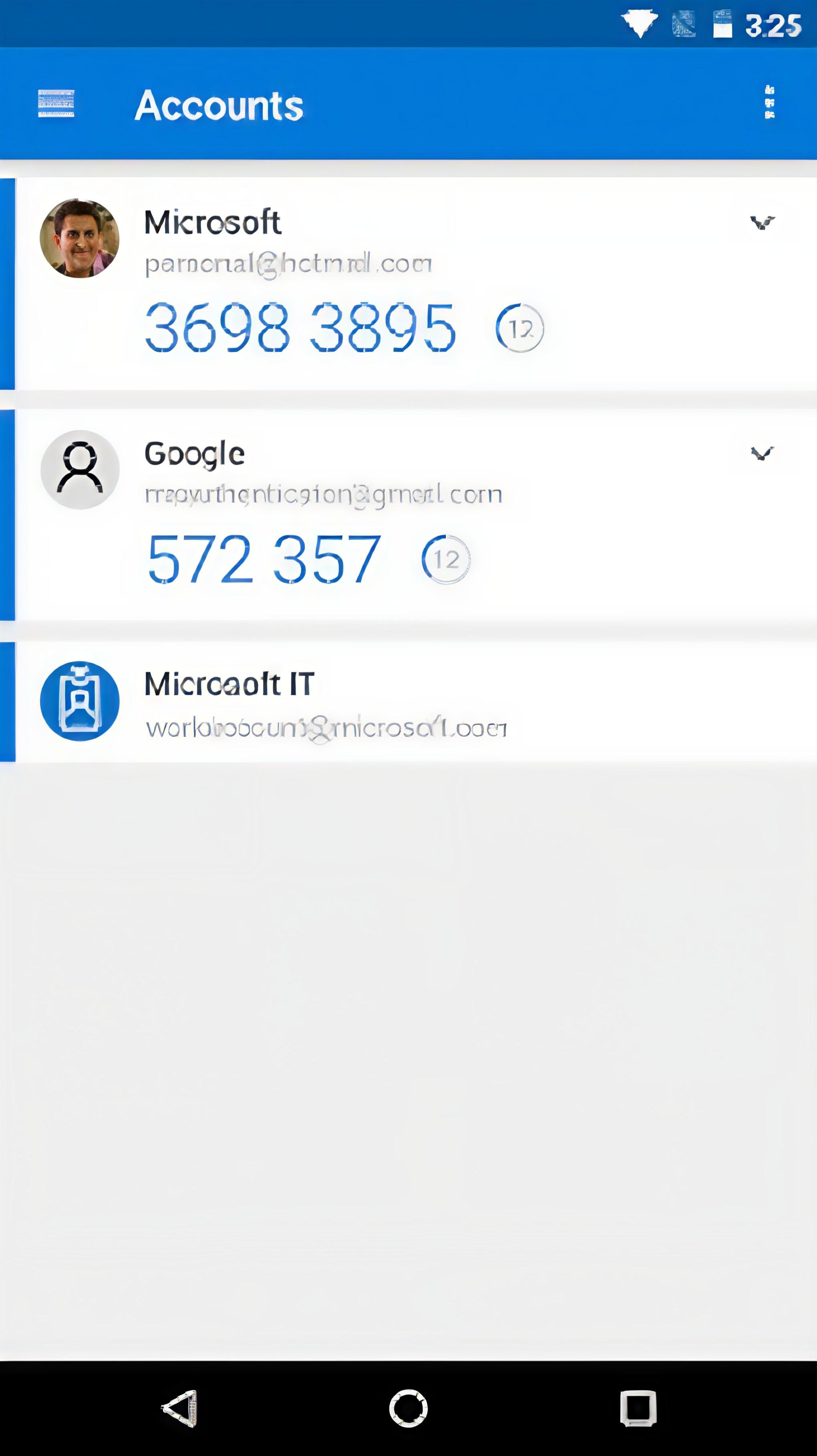
📱 Required Authentication Applications
🔵 Google Authenticator
Free Google application for 2FA codes
🔶 Microsoft Authenticator
Microsoft authentication solution


🛠️ Step-by-Step Process
📧 Email Confirmation
When you receive the invitation email, click on the "confirm email" button, this button will take you to the login of the platform, enter your email and the password of the invitation.
🔑 Password Change
Next, it will request the password change, you must perform this step to continue advancing. You must meet the 8 password requirements to change it successfully.
📱 Authentication Configuration
Once the password has been updated, it will request to link through a QR code, open your authentication application and scan the code that appears on the screen.
✅ Elenix Access
With the new password saved you can see the home page of Elenix.
🔒 Continuous Security
As a security measure, each time you log in it will be necessary to authenticate through your application. We recommend editing the name ".." to Elenix in your authentication application to make it easier to identify when logging in.
Now that you have access, explore the general architecture of the system.